Home / Brand kit
Brand kit
The Tactly logo, and how to use it.
Logos, the Talon hawk, colors and fonts, plus the rules for writing the name. Every file is free to use when you write about Tactly.
Every logo as SVG and as a transparent PNG, plus a one-page guide.
The name
Lowercase in the logo. Capital T in a sentence.
In the logo: tactly
The logo always reads tactly, all lowercase. Lowercase is softer and friendlier, which suits a voice that answers your phone. Never retype the logo; use the files on this page.
In writing: Tactly
In sentences, headings and buttons, write Tactly with a capital T, like any other name. The full product name is AI Receptionist by Tactly.
Logo
The logo
The hawk, the word tactly, and the product line. Use the light version on cream or white, and the inverse version on navy or any dark background.
Icon
The hawk on its own
Where the full logo does not fit: app icons, favicons and social avatars. The cream tile is the default.
Mascot
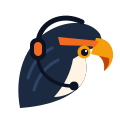
Meet Talon.
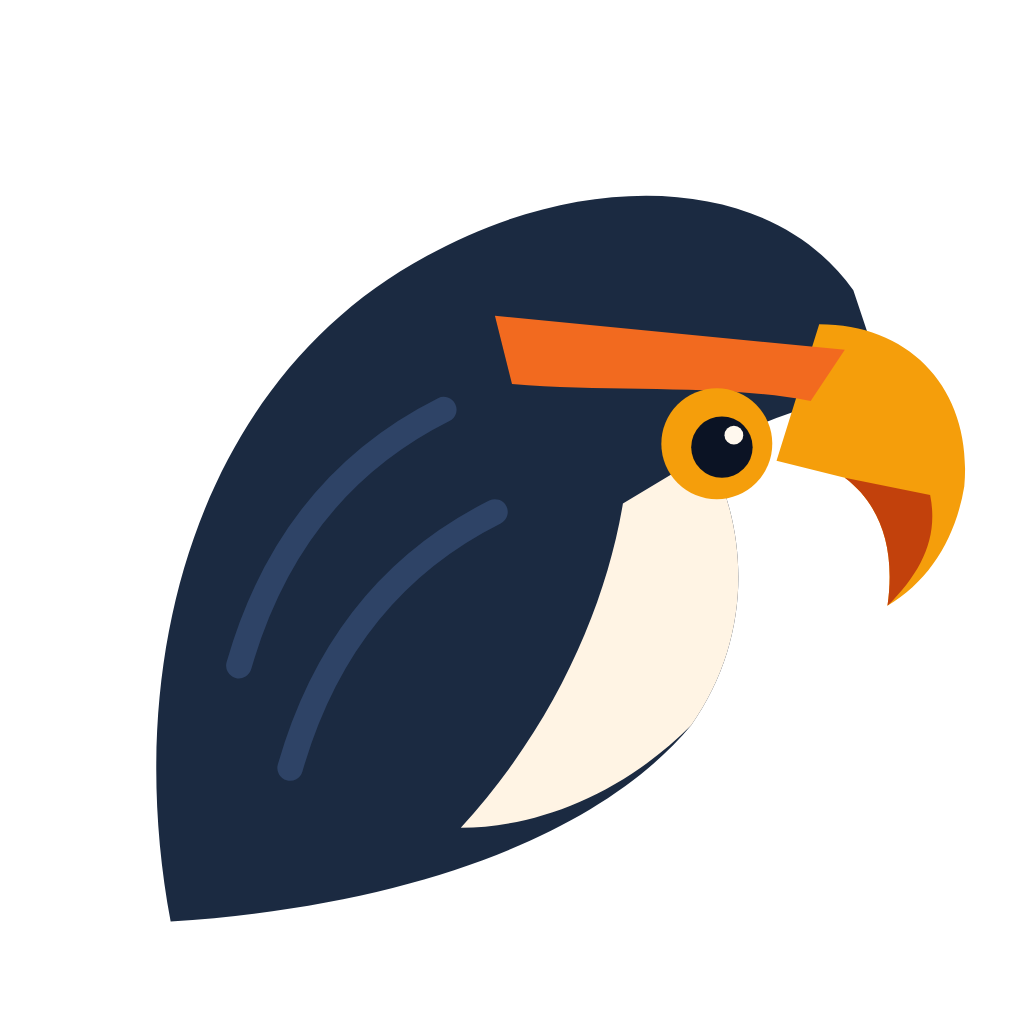
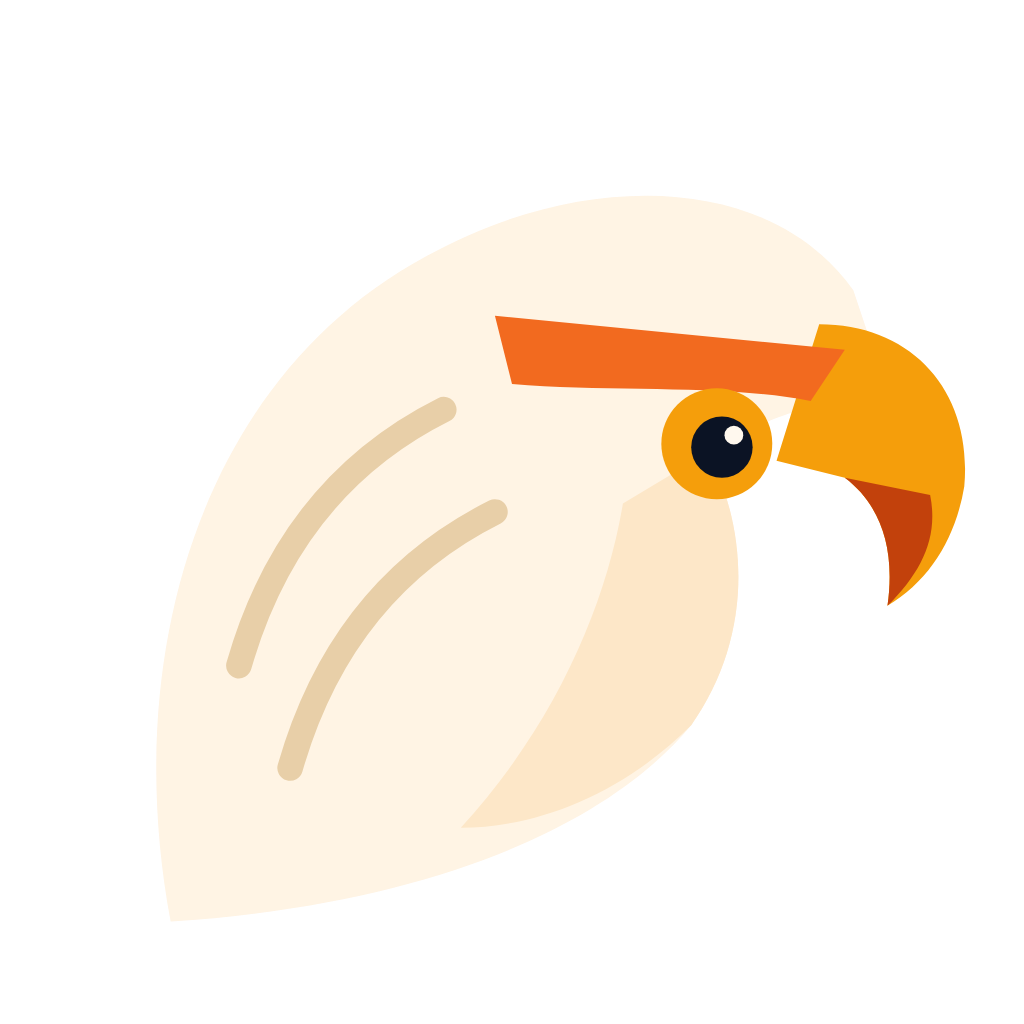
Talon is the hawk in the logo, so the mascot and the logo are the same bird. He wears a headset where he is on a call. On the website he blinks and chirps now and then; that motion is for the web only.
Keep Talon facing right, toward the words. Do not redraw him, add a body, or change his colors.

Color
The palette
Warm cream and navy, with orange for anything you should click.
Type
Two fonts
Both are free on Google Fonts.
Bricolage Grotesque
ExtraBold (800) for the wordmark and headings, set tight: -0.04em on the wordmark. Get the font
Figtree
Regular (400) and Bold (700) for body text. The product line is Figtree ExtraBold, uppercase, spaced 0.14em: AI Receptionist. Get the font
Rules
Using the logo
Do
Do not
Everything in one file.
Questions about the brand? Call 888-982-8269 and ask for the Tactly team.