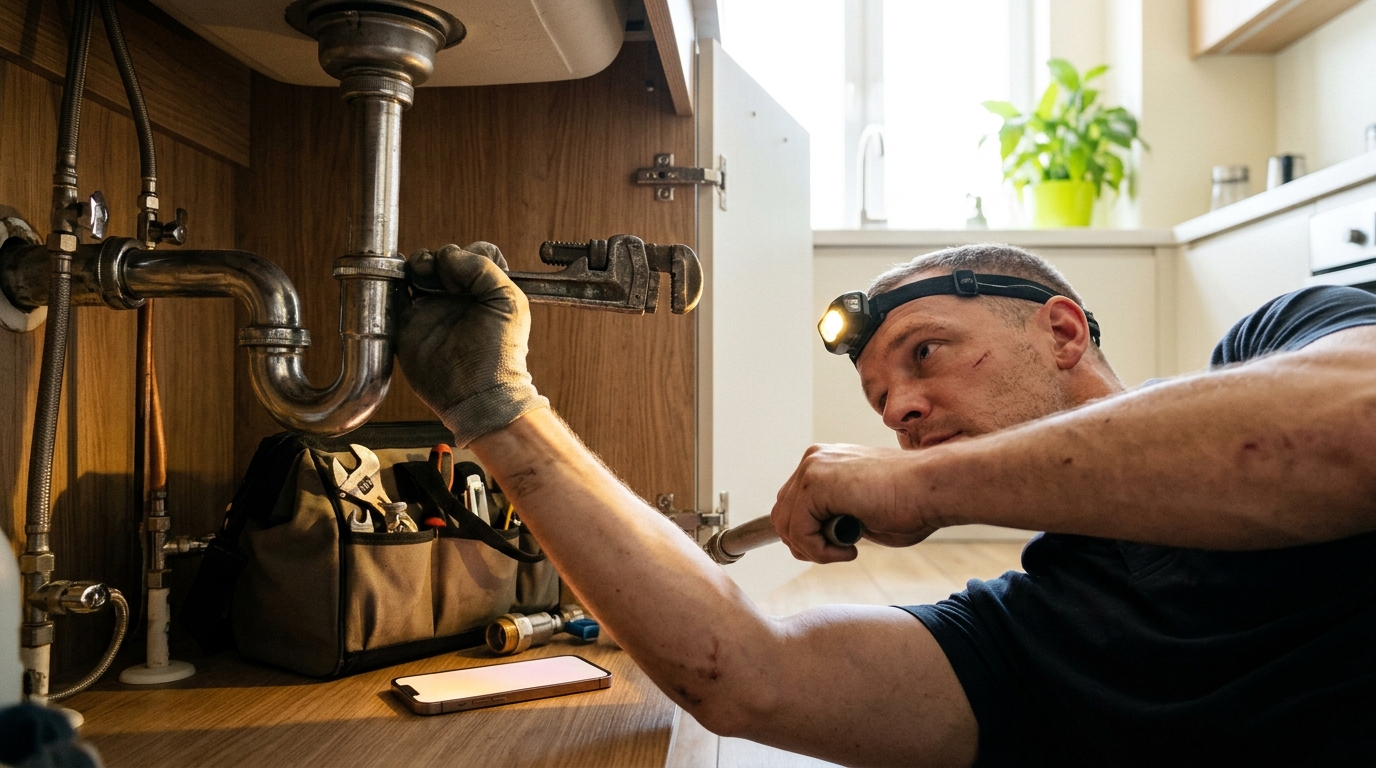
An AI receptionist for contractors is software that answers your business calls 24/7, talks to callers in natural language, captures job details, books estimates, and sends you a transcript and summary. Tactly is an AI receptionist built for this kind of work, so you stop losing jobs to voicemail while you're on a roof, under a sink, or in a crawl space.
This guide covers how an AI receptionist for contractors handles real trade calls, what to set up, what to watch for, and how to judge whether it's paying for itself. If you want the broad overview of the technology first, the main guide on AI receptionists covers it. This page goes deep on the contractor side.
Why Contractors Miss Calls (and What It Costs)
Contractors have a structural phone problem. The work happens away from the desk, with both hands busy, often in places with noise or no signal. The caller, meanwhile, is usually shopping. A homeowner with a leaking water heater or a dead furnace calls two or three companies and books whoever picks up first.
Consider the math with round numbers. Say your business gets 25 inbound calls a week and you miss 8 of them. If a quarter of those would have become booked jobs averaging $600, that is 2 jobs and roughly $1,200 a week, or more than $60,000 a year walking to a competitor. Your numbers will differ, but run them. Most contractors who do are surprised.
The missed calls cluster in predictable places:
- During jobs. You can't answer while cutting, soldering, or standing on a ladder.
- After hours. Emergencies and evening shoppers call when you're off.
- Peak season. Heat waves, cold snaps, and storm weeks flood the line at once.
- Lunch and drive time. Short gaps that add up over a week.
How Tactly Works as Your AI Receptionist for Contractors
Tactly answers calls to your business line in a natural, conversational voice. It greets the caller with your business name, asks what they need, collects the details you care about, and either books an appointment or flags the call for you. Afterward you get a transcript and a summary, so you can read a call in 20 seconds instead of playing back voicemail.
Where Tactly fits this question: it is the receptionist layer for a trade business. It handles the front-door work (answering, screening, capturing details, scheduling) so you can stay on the job and still catch the lead.
A typical call flow looks like this:
- The phone rings and Tactly answers on the first ring or after a few rings, depending on how you set it up.
- It greets the caller and asks how it can help.
- It identifies the type of request: new estimate, emergency, existing customer, vendor, or wrong number.
- It collects name, phone number, address or service area, and a description of the problem.
- It books an appointment if scheduling is set up, or tells the caller you'll follow up.
- It sends you the transcript and a short summary.
Calls an AI Receptionist for Contractors Handles Well
Not every call is equal. The best fit is high-volume, repeatable conversations where the information needed is predictable.
New estimate requests
This is the core use. The caller wants a quote for a deck, a bathroom remodel, a roof repair, or a new HVAC unit. The AI asks the questions you'd ask: what the project is, the property address, the timeline, and whether they own the home. You get a clean lead summary instead of a half-heard voicemail.
Emergency and urgent calls
A burst pipe, a no-heat call in January, or a sparking outlet needs a different path from a kitchen quote. You can set the receptionist to recognize urgent language and flag those calls to the top of your summary so you can call back first. Define in advance what counts as an emergency for your trade and what you want done when one comes in.
Scheduling and rescheduling
Booking estimate visits is repetitive work. When the receptionist is connected to your availability, it offers open slots and confirms a time. Rescheduling is the same story: fewer phone-tag loops for you and the customer.
Basic questions
Callers ask the same things over and over: Do you serve my area? Do you do free estimates? Are you licensed and insured? Do you handle commercial work? Give the AI accurate answers once and it repeats them correctly every time.
Existing customer calls
Customers asking about arrival times, invoices, or warranty questions can be captured and routed. The receptionist takes the message with full context, so your callback is informed.
Calls You Should Still Take Yourself
Be realistic about the limits. An AI receptionist is not a replacement for your judgment on complex jobs. Plan for these:
- Complex quotes. Pricing a custom project requires a site visit. The AI books the visit; you do the pricing.
- Upset customers. A client angry about a delayed job wants a human. Set a rule that these calls are flagged for your personal callback.
- Key referral partners. Your best general contractor or realtor contact may deserve a direct line to your cell.
- Safety-critical situations. A gas smell or electrical fire should prompt the caller to contact emergency services. Make sure your greeting and escalation rules reflect that.
AI Receptionist vs Voicemail vs Live Answering Service for Contractors
Contractors usually weigh three options. Here is how they compare on what matters in the field.
| Factor | Buzón de voz | Servicio de contestación en vivo | AI receptionist (Tactly) |
|---|---|---|---|
| Contesta cada llamada | No, caller leaves a message or hangs up | Yes, within staffing limits | Yes, including simultaneous calls |
| Cobertura fuera de horario | Message only | Usually available, often at higher rates | 24/7 |
| Agenda citas | No | Varies by script and setup | Yes, when scheduling is configured |
| Call record | Audio message | Written message from an agent | Transcript and summary of every call |
| Handles call spikes | No | Wait times can grow | Takes multiple calls at once |
| Consistencia | No aplica | Varía según el operador | Same script every call |
Voicemail is where jobs go to die. Industry surveys regularly find that most callers who hit voicemail on a service call do not leave a message and call the next company. A live service fixes the answering problem but depends on human staffing and per-minute or per-call billing. An AI receptionist removes the capacity limit, which matters most during storm weeks and heat waves when every call arrives at once.
Trade-by-Trade Examples
Plomeros
The receptionist separates a dripping faucet from a burst pipe. For the faucet it books the next open estimate or service window. For the burst pipe it captures the address, notes that water is actively flowing, and flags the call as urgent so you can call back within minutes.
HVAC technicians
Seasonal spikes are the big win. When a heat wave hits and 40 people call in two hours, the AI answers all of them, collects system type, symptoms, and address, and builds a prioritized list for you. Maintenance plan questions and tune-up bookings are handled the same way.
Electricistas
The receptionist asks whether the issue is urgent, whether any breaker is tripping repeatedly, and whether the caller smells burning. It captures the details and routes serious situations to you immediately.
Roofers and exterior contractors
After a storm, volume jumps. The AI collects the property address, type of damage, and whether the caller has insurance involved, then schedules inspections in the order you set.
Landscapers and remodelers
These trades book more planned work. The receptionist captures project scope, budget range, and timeline, so your estimate visits are pre-qualified and you waste fewer drives on tire-kickers.
Why Transcripts and Summaries Matter on the Job
Most contractors never listen to long voicemails. A transcript and a short summary change how you work.
- Read in seconds. Scan five summaries between jobs instead of replaying audio.
- No lost details. The address, the gate code mention, the dog in the yard: it's all in writing.
- Dispute protection. If a customer says you promised something on the phone, you can check what was actually said.
- Training. If you have office staff or a crew lead, transcripts show which questions come up most and where your process needs tightening.
- Better callbacks. You open the conversation with context, which makes you sound prepared and wins trust.
Setting Up an AI Receptionist for Your Contracting Business
Setup quality decides results. Spend an hour on these steps before you go live.
- List your services and exclusions. Be explicit. If you don't do commercial roofing or work outside a certain radius, the AI needs to say so politely.
- Define your service area. Use cities, counties, or zip codes. The receptionist should confirm the caller's location early.
- Write your top 10 caller questions with answers. Licensing, insurance, estimate policy, hours, payment methods, and warranty basics.
- Set emergency rules. Decide what counts as urgent, who gets notified, and how fast.
- Choose what to capture. Name, number, address, problem description, preferred time, and how they found you.
- Connect scheduling. Give the receptionist your real availability so booked slots are ones you can actually keep.
- Decide where summaries go. Text, email, or both, to you and anyone else who needs them.
- Test it. Call your own line ten times with different scenarios: a quote, an emergency, a wrong number, an angry customer. Fix what sounds off.
A contact form and online booking on your website pair well with this. Callers who prefer not to phone can still book, and the same details land in front of you in the same format.
Keeping the Caller Experience Good
Contractors worry that customers will hate talking to AI. The data from practice says callers care about getting an answer and a booked time far more than who or what provides it. A few habits keep the experience strong:
- Keep the greeting short. Business name, a friendly line, and a question.
- Don't over-script. Too many questions feel like an interrogation. Ask only what you'll actually use.
- Give an escape hatch. Callers who want a person should be told when you'll call them back.
- Be honest. If a caller asks whether they're speaking with an AI, the answer should be straightforward.
- Review calls weekly. Read a handful of transcripts for the first month and adjust.
After-Hours and Weekend Coverage
Many contractors lose their best leads between 5 p.m. and 9 p.m., when homeowners finally have time to research and call. They also lose Saturday calls, when people are tackling a to-do list. An AI receptionist covers all of it without overtime, on-call rotation, or a second phone line you have to carry.
For emergency trades, set a clear after-hours policy. Options include: take the details and call back first thing in the morning, flag urgent calls so you can decide in the moment whether to roll out, or give the caller guidance to contact emergency services for safety hazards. The AI follows whichever rule you pick, every time.
Measuring Whether It Pays for Itself
Track a few numbers for the first 60 days:
- Calls answered vs. calls received. The goal is close to 100%.
- Estimates booked from calls. Compare to your previous month.
- Jobs won from AI-captured leads. Tag them so you can follow the revenue.
- After-hours leads captured. These are the clearest new revenue, since you previously got none of them.
- Time saved. Estimate the minutes you no longer spend on phone tag and playing voicemails.
If a single extra job a month covers the cost, the math works. Most contractors who miss even a few calls a week clear that bar quickly.
Common Mistakes to Avoid
- Vague service rules. If the AI doesn't know your radius, it will book jobs you can't take.
- Ignoring summaries. A fast callback is where the value is realized. Leads go cold within hours.
- Overbooking. Only expose real availability.
- No emergency plan. Decide before the first midnight call, not during it.
- Skipping tests. Call your own number and listen like a customer.
Where Tactly Fits for Contractors
Tactly is the answering layer for a busy trade business. It picks up when you can't, captures the details that turn a call into a job, books estimates, and hands you a transcript and summary so your callbacks are fast and informed. It does not do the work on your jobsite, and it does not replace your pricing judgment. It makes sure the phone stops being the weak link in your business.
AI Receptionist for Contractors FAQ
What does an AI receptionist for contractors do?
It answers incoming calls around the clock, asks the caller about the job, captures contact details and location, books estimate appointments, and sends you a transcript and summary. It handles routine calls so you only spend time on qualified leads.
Can an AI receptionist handle emergency calls for plumbers or HVAC companies?
Yes, within the rules you set. You define what counts as an emergency, and the receptionist flags those calls for immediate follow-up. For safety hazards such as gas smells or electrical fires, set your greeting to direct callers to emergency services.
Will customers know they are talking to an AI?
The voice is conversational and natural, but callers who ask directly should get an honest answer. Most callers care more about getting their problem logged and a time booked than about who answers.
Is an AI receptionist better than a live answering service for a small contracting business?
It depends on your call pattern. An AI receptionist handles many simultaneous calls, covers nights and weekends, and records every call in writing. Live services offer a human voice but are limited by staffing. Contractors with sharp seasonal spikes often benefit most from AI.
¿Cuánto tiempo toma configurar una recepcionista con IA?
Plan on about an hour to gather your services, service area, common answers, and emergency rules, then test with practice calls before going live. The better your inputs, the better your first week performs.
