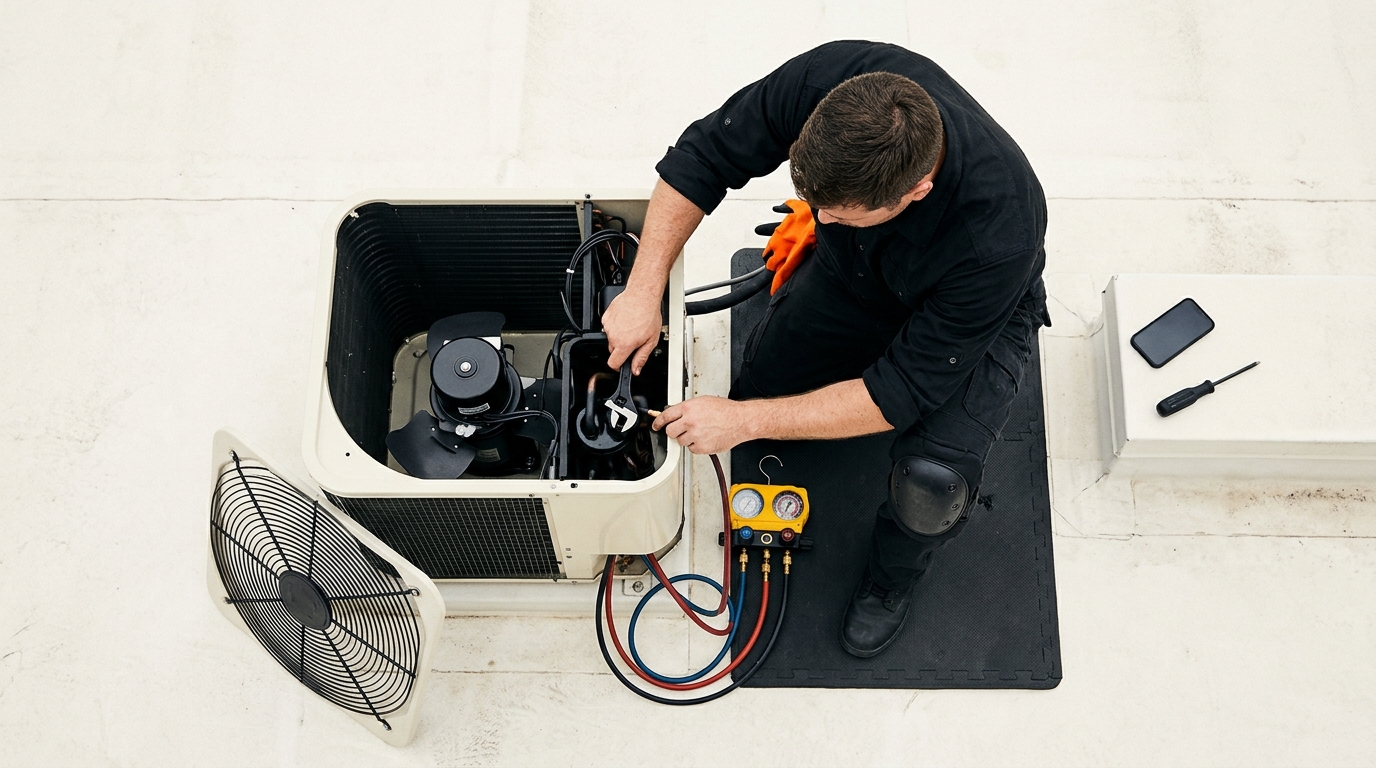
AI phone answering for HVAC companies picks up every call during heat waves and cold snaps, books service appointments, flags emergencies, and sends you a transcript and summary of each conversation. It works the same way for plumbers, landscapers, and cleaning companies: when your hands are busy and the phone keeps ringing, an AI receptionist answers on the first ring, 24 hours a day, so the job doesn't go to the competitor who picks up.
If you run a trade or service business, you already know the math. A technician under a condenser or a cleaner mid-deep-clean can't answer the phone. The caller, meanwhile, is sweating through a 100°F afternoon or shivering at 8°F, and they will call the next company on the list within minutes. This post breaks down how AI answering works for HVAC, plumbing, landscaping, and cleaning businesses, what it costs compared to alternatives, and how to set it up before the next weather event hits.
Why Weather Extremes Break Your Phone System
HVAC call volume doesn't grow gradually. It spikes. The first 95°F day of the season or the first overnight freeze produces a wall of calls within a few hours, and most of them arrive when your techs are already on roofs, in attics, and in crawl spaces.
Here is what typically goes wrong during a surge:
- Voicemail fills up. Customers hang up rather than leave a message, especially when they have no heat or no cooling.
- Your office staff gets buried. One person answering five lines can't also dispatch, quote, and collect payment.
- Callers dial down the list. A homeowner with a dead furnace calls three companies in a row and books with whoever responds first.
- After-hours calls go dark. Cold snaps often hit at night. A no-heat call at 11 p.m. is worth far more than a routine tune-up, and it gets sent to voicemail.
- Emergency calls get mixed in with routine ones. A gas smell or a flooded basement waits in the same queue as a filter-change question.
The calls you miss in a surge are also your highest-value calls. Emergency repairs and system replacements carry the best margins in HVAC. Losing them to an unanswered phone is the most expensive kind of missed call.
How AI Phone Answering Works for HVAC Companies
An AI receptionist is software that answers your business line using natural-sounding voice conversation. It doesn't read a rigid menu. It listens, asks follow-up questions, and handles the call the way a trained front-desk person would.
For an HVAC company, a typical call goes like this:
- It answers immediately. No hold music, no "press 1 for service."
- It identifies the problem. "My AC is blowing warm air" and "I smell gas near my furnace" get routed very differently.
- It collects the details. Name, address, phone number, system type, and how urgent the situation is.
- It books or escalates. Routine requests go onto your calendar. Emergencies trigger an immediate text or call to your on-call technician.
- It sends you a record. You get a transcript and a short summary so you know what the customer said without listening to a recording.
That last step matters more than most owners expect. When you're on a roof at 2 p.m., you can scan three summaries between jobs and know exactly where to go next. We cover this in more detail in the section on transcripts below.
Triage Rules for Heat Waves and Cold Snaps
The real value of AI answering for HVAC is how you configure it for emergencies. You set the rules once, and the AI applies them to every call, including the 300th call of the week.
Common triage rules HVAC owners set up:
- Safety first. Any mention of gas smell, carbon monoxide alarm, burning smell, or smoke gets an instruction to leave the home and call 911 or the gas utility, plus an instant alert to you.
- Vulnerable occupants. Callers who mention elderly residents, infants, or medical conditions during extreme temperatures move to the front of the queue.
- No heat below a set temperature. For example, any no-heat call when the outdoor temperature is under 20°F goes straight to on-call.
- No cooling above a set temperature. The same logic applies to no-AC calls above 95°F.
- Routine requests wait. Maintenance plans, quotes for new installs, and filter questions get booked for normal business hours.
You can also tell the AI to quote your emergency dispatch fee up front, so customers know the cost before a technician rolls. That filters out price shoppers and saves your techs from wasted trips.
Beyond HVAC: Plumbers, Landscapers, and Cleaning Companies
The missed-call problem isn't unique to HVAC. Every field-based service business loses calls while the work is happening. The details change by trade, but the setup is similar.
AI Receptionist for Plumbers
Plumbing emergencies are urgent by nature: burst pipes, sewage backups, water heaters failing. A plumber's customer is standing in water and wants a person (or something that acts like one) to respond now. An Recepcionista con IA para plomeros can:
- Ask whether the water main is shut off and walk the caller through finding the valve.
- Separate true emergencies (active leaks, no water, sewage) from scheduled work (fixture installs, estimates).
- Collect the address, access instructions, and photos or details of the problem.
- Text the on-call plumber with a one-line summary and the caller's number.
AI Receptionist for Landscaping
Landscaping calls are less about emergencies and more about volume and timing. Spring and fall bring a flood of quote requests, and crews are mowing, trimming, and hauling the whole time. An AI receptionist for landscaping handles:
- Quote requests for mowing, mulching, cleanups, irrigation, and seasonal work.
- Questions about service areas and whether you take on a property.
- Rescheduling after rain delays, which can generate dozens of calls in one morning.
- Storm cleanup calls after high winds, when fallen limbs create a sudden surge.
AI Receptionist for a Cleaning Company
Cleaning businesses live on recurring bookings and fast quote turnaround. A lead who calls on Tuesday and doesn't hear back until Thursday has usually hired someone else. An AI receptionist for a cleaning company can:
- Gather home size, bedroom and bathroom counts, pets, and the type of clean (standard, deep, move-out).
- Offer available time slots from your calendar.
- Handle reschedule and cancellation requests so your office manager doesn't spend the morning on the phone.
- Capture commercial inquiries and flag them for a personal follow-up.
AI Answering vs. Voicemail vs. Live Answering Service
Most small businesses choose between three options. Here is how they compare on the factors that matter during a surge.
| Factor | Buzón de voz | Servicio de contestación en vivo | Recepcionista con IA |
|---|---|---|---|
| Contesta cada llamada | No, callers leave messages or hang up | Usually, but hold times grow in surges | Yes, handles many calls at once |
| Disponibilidad | 24/7 recording only | 24/7 at most providers, higher overnight rates | 24/7 with no overnight premium |
| Agenda citas | No | Sometimes, with scripted limits | Yes, directly into your calendar |
| Emergency triage | No | Depends on the agent and your script | Yes, applies your rules consistently |
| Cost structure | Free to low | Often per-minute or per-call, which climbs in busy weeks | Typically a flat monthly plan |
| Call record | Audio message | Written message, often brief | Full transcript and summary |
Servicio de contestación en vivos still have a place. Some owners prefer a human voice for sensitive calls, and a few use both: AI for the first answer and a live team for escalations. But when the heat wave hits and every line lights up at once, per-minute billing and limited agent capacity become real constraints. AI scales without a hold queue and without a surge bill.
Managing After-Hours Calls Without Burning Out Your Team
After-hours work is where HVAC and plumbing companies make some of their best money and burn out their people fastest. The solution isn't answering the phone yourself at 1 a.m. It's building a clear after-hours process that the AI runs for you.
A workable after-hours setup looks like this:
- Define qué cuenta como emergencia. Write it down in plain language: no heat under a threshold, active leaks, safety concerns.
- Set an on-call rotation. The AI texts whoever is on call, and a backup if they don't respond within a set number of minutes.
- Book everything else for morning. Non-emergency calls get a confirmed appointment slot, so customers go to sleep knowing they're handled.
- Review summaries over coffee. You see the full overnight picture in one read instead of in a dozen interruptions.
The result is that your on-call tech only gets woken up for calls that justify it. That protects your team and keeps the premium after-hours revenue.
Why Transcripts and Call Summaries Matter
When owners first consider AI answering, they focus on whether it can book appointments. The feature they end up valuing most is often the written record.
Here is what transcripts and summaries give a service business:
- Accurate job details. The technician reads exactly what the customer said: the model number, the noise the unit makes, the gate code.
- Fewer miscommunications. "She said the thermostat was blank" beats a half-remembered voicemail.
- Dispute protection. If a customer claims they were quoted a different price, the transcript settles it.
- Lead tracking. You can see which calls were quote requests, which turned into bookings, and where leads fell through.
- Training material. Reviewing real calls shows you the questions customers ask most, which helps you improve your website, pricing pages, and scripts.
A summary takes about 15 seconds to read. A voicemail takes a minute to listen to, and often leaves out half the information you need.
How to Set Up an AI Receptionist Before the Next Weather Event
You don't need a technical background. Most service businesses finish setup in a few days. Do it before the season turns, not during the first heat wave.
- List your services and service area. Include ZIP codes or cities you cover and the jobs you decline.
- Write your emergency definitions. Use the triage rules above as a starting point.
- Add your pricing rules. Decide whether the AI quotes dispatch fees, diagnostic fees, or just "a technician will confirm."
- Conecta tu calendario. The AI books into real availability, so double-booking doesn't happen.
- Set escalation contacts. Name your on-call person, a backup, and the number the AI should text.
- Forward your business line. Start by forwarding after-hours and overflow calls, then expand to all calls once you trust it.
- Test it yourself. Call in as a customer with a no-heat emergency, a quote request, and a confusing question. Adjust the script based on what you hear.
- Review the first week of summaries. Look for patterns and tighten the rules.
Many owners start with overflow only: the AI answers when your line is busy or after 5 p.m. That keeps your current workflow intact while capturing the calls you were losing anyway.
Your Website Should Back Up the Phone
The phone isn't your only front door. Customers search, visit your site, and then decide whether to call, fill out a form, or book online. If your website is slow to update or lacks a booking path, you leak leads before the phone even rings.
A good website pairs well with AI answering. A service request form and online booking let customers who prefer not to call still request service. Keep the site current through the season, too: a heat wave banner or new emergency hours should go up the day they apply, not a week later.
What AI Answering Won't Do
It helps to be clear about limits so you set the right expectations.
- It won't diagnose the problem. It collects symptoms. Your technician makes the call.
- It won't replace relationship calls. Large commercial accounts and long-time customers often deserve a direct line to you.
- It needs good rules. A vague setup produces vague results. Spend an hour on emergency definitions and pricing guidance.
- It isn't a substitute for 911. The AI directs callers with safety hazards to emergency services and alerts you, nothing more.
The Bottom Line for Trade and Service Businesses
Heat waves and cold snaps reward the company that answers first. An AI receptionist gives a small HVAC, plumbing, landscaping, or cleaning business that advantage without hiring another dispatcher or paying per-minute overflow rates. It answers every call, triages the urgent ones, books the routine ones, and hands you a clean written record of everything.
The best time to set it up is before the weather turns. The second-best time is today, because the next surge usually arrives faster than the forecast suggests.
AI Phone Answering for Service Businesses FAQ
Can an AI receptionist handle HVAC emergency calls?
Yes. You define what counts as an emergency, such as no heat below 20°F, no cooling above 95°F, or any gas smell, and the AI applies those rules to every call. It alerts your on-call technician by text or phone immediately and tells callers with safety hazards to contact 911 or the gas utility.
How is AI answering different from a live answering service?
A live answering service uses human agents, often billed per minute or per call, and hold times grow during surges. An AI receptionist answers many calls at once, books directly into your calendar, and usually runs on a flat monthly plan. Some businesses combine both, using AI first and live agents for escalations.
Will customers know they are talking to an AI?
Modern AI voices sound natural and respond conversationally, but you control the greeting. Many businesses state upfront that the caller has reached an automated assistant. Customers care most that the call is answered quickly and their problem is handled, and they respond well when it is.
Does an AI receptionist work for plumbers, landscapers, and cleaning companies?
Yes. Plumbers use it to separate burst-pipe emergencies from scheduled installs. Landscapers use it for seasonal quote requests and rain-delay reschedules. Cleaning companies use it to collect home details, offer time slots, and handle cancellations. The setup follows the same steps: services, service area, emergency rules, calendar, and escalation contacts.
What do I get after each call?
You receive a full transcript and a short summary of every call, including the caller's name, number, address, the issue, and the action taken. Technicians read the summary before arriving, and owners use the transcripts to track leads, settle pricing disputes, and spot common customer questions.
