What Is AI Phone Answering for Landscapers?
AI phone answering for landscapers is software that picks up every inbound call, talks to the caller in natural language, collects job details, books estimates on your calendar, and sends you a transcript and summary within seconds. It works while you run a mower, operate a trencher, or sleep. For plumbers, HVAC technicians, and cleaning companies, it solves the same problem: you can't answer the phone while your hands are busy.
The cost of ignoring that problem is real. Most callers who reach voicemail on a service call don't leave a message. They dial the next company on the search results page. A missed call to a landscaper is often a $400 spring cleanup, a $3,000 patio install, or a recurring weekly mowing contract worth several thousand dollars a season. This guide explains how an AI receptionist works for field-service trades, what it costs, how it compares to alternatives, and how to set one up in a single afternoon.
Why Landscapers Lose Leads While Working
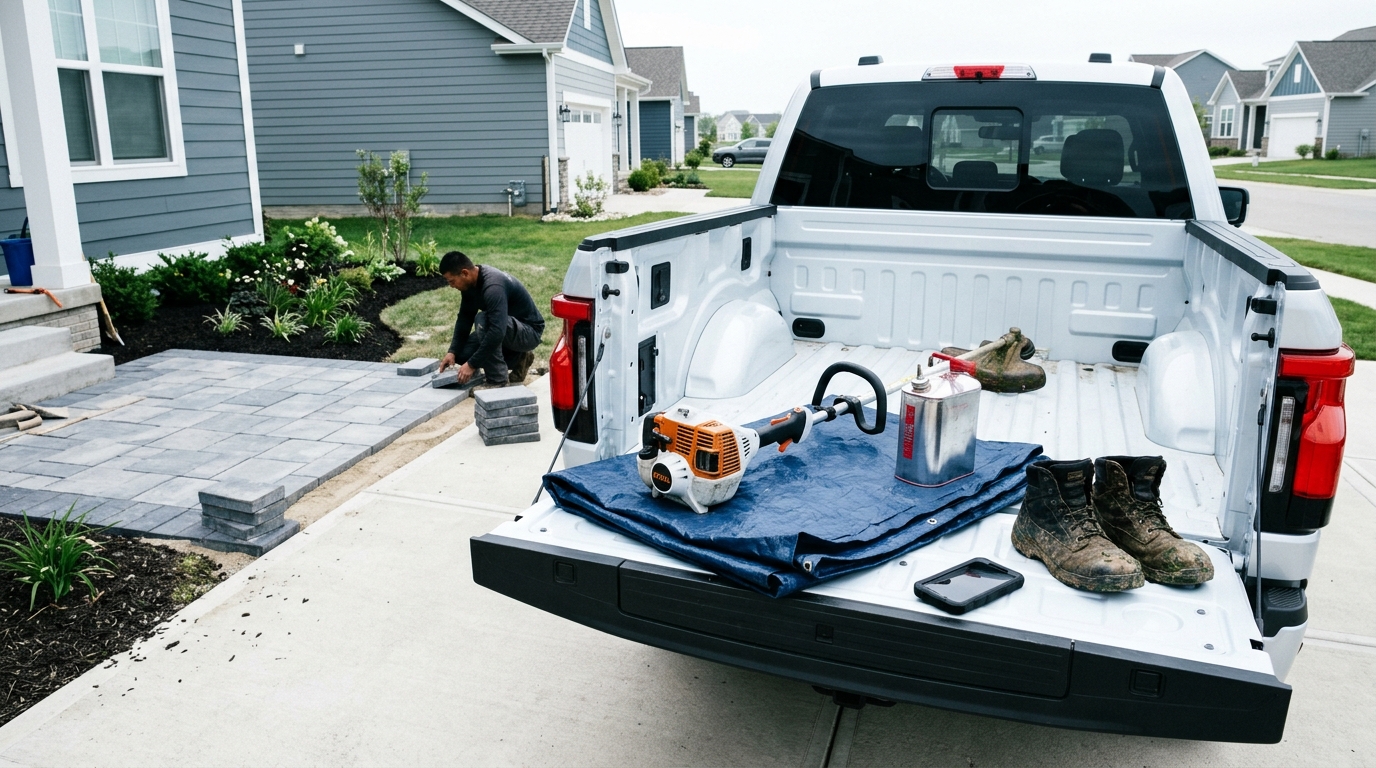
Landscaping is a loud, physical, outdoor job. You can't hear a phone over a 60-inch zero-turn mower, and you can't take a call with a chainsaw in your hands. Even when you do answer, you're quoting from a truck seat with grass on your boots and no calendar in front of you.
Three patterns cause most of the lost revenue:
- Peak-season overload. From April through June, a one-truck operation can get 20 to 40 calls a day. You can't return them all before the caller hires someone else.
- Evening and weekend calls. Homeowners research yards after dinner and on Saturday mornings. That is when your phone rings and nobody is at a desk.
- Interrupted conversations. If you answer mid-job, you rush the call, forget to get the address, and lose the details by the time you wash up.
The same story plays out across trades. A plumber under a sink, an HVAC technician in an attic at 110 degrees, and a cleaning crew in the middle of a move-out clean all face the same choice: finish the work or answer the call. An AI receptionist removes that choice.
How an AI Receptionist Works for Field-Service Businesses
An AI receptionist is a voice agent that answers your business line using a script and knowledge base you control. Setup typically involves forwarding your existing number or using a new one. Here is what happens on a typical call:
- Pickup in under two seconds. The AI answers with your business name and a greeting you've approved.
- Intent detection. It figures out whether the caller wants a quote, a repair, a reschedule, a billing answer, or something else.
- Qualification. It asks the questions you'd ask: address, service type, lot size, urgency, access issues, preferred time window.
- Scheduling. It checks your calendar and books an estimate or job slot, or promises a callback if you prefer to approve each booking.
- Escalation. For emergencies such as a burst pipe, a gas smell, or a no-heat call in January, it can transfer to your cell or text you immediately.
- Summary and transcript. You get a text or email with the caller's name, number, job details, and the full conversation.
The whole exchange takes two to four minutes, and the caller leaves with a confirmed next step instead of a voicemail beep.
AI Receptionist for Landscaping: What It Handles
An AI receptionist for landscaping is trained on the questions homeowners and property managers actually ask. A well-configured setup handles:
- Estimate requests. Collects the property address, approximate yard size, and service type (mowing, mulching, tree trimming, irrigation, hardscaping, snow removal).
- Recurring service sign-ups. Captures weekly or biweekly mowing preferences and gate or pet details.
- Seasonal inquiries. Answers questions about aeration timing, leaf cleanup windows, and winterization.
- Service area checks. Confirms the caller's ZIP code or postal code is within your coverage before you waste a drive.
- Reschedules and rain delays. Handles the flood of "are you still coming Thursday?" calls after a storm.
- Commercial and HOA leads. Flags property managers and gets their contact info and contract size to you quickly.
Because you write the knowledge base, the AI quotes your minimums, your service radius, and your policies. If you don't do stump grinding, it says so politely and moves on.
AI Receptionist for Plumbers: Emergency Triage
An Recepcionista con IA para plomeros earns its keep on emergencies. A homeowner with water running through a ceiling will not leave a voicemail. They will call five plumbers in a row and hire the first one who answers.
The AI separates true emergencies from routine jobs using rules you set. For example:
- Emergency keywords such as burst pipe, sewage backup, no water, or gas smell trigger an immediate call transfer or text alert to the on-call plumber.
- Routine requests such as a dripping faucet, a slow drain, or a water heater quote get booked into the next available slot.
- After-hours callers hear your emergency rate and trip fee upfront, so the people who book are already comfortable with the price.
That last point matters. Quoting a $250 after-hours dispatch fee before you drive out cuts down on tire-kickers and awkward doorstep negotiations.
AI Answering for HVAC: Seasonal Surges
AI answering for HVAC solves a volume problem more than a staffing problem. The first 95-degree weekend of summer and the first freeze of winter can bury a small shop with 50 or more calls in a day. Hiring a full-time dispatcher for two peak seasons rarely makes sense. An AI absorbs the spike with no overtime.
Useful HVAC configurations include:
- Equipment intake. Collects system type, age, brand, and symptoms (no cooling, short cycling, strange noise) so the technician arrives prepared.
- Maintenance plan callers. Recognizes existing members and prioritizes them in the schedule.
- Priority tiers. Elderly residents or homes with infants and no heat get flagged for same-day response.
- Financing questions. Answers basic questions about install financing and routes serious buyers to a sales callback.
The summary arrives before you reach the job site, so you can pull the right parts instead of making a second trip.
AI Receptionist for a Cleaning Company: Quotes and Recurring Bookings
An AI receptionist for a cleaning company focuses on structured intake. Cleaning quotes depend on square footage, bedrooms, bathrooms, pets, and the type of clean (standard, deep, move-out, post-construction). The AI asks the same questions every time, which means your estimates stay consistent.
It also handles the most common recurring-revenue task: converting a one-time caller into a weekly or biweekly client. If your script includes a recurring discount, the AI mentions it on every qualifying call. A human with a mop in one hand often forgets.
For cleaning crews, the other big benefit is call volume between jobs. Teams are mobile, phones are in pockets, and clients are often calling while you are inside their neighbor's house. The AI picks up, books the walkthrough, and texts the details.
AI Receptionist vs Voicemail vs Live Answering Service
You have three realistic options for covering calls. Here is how they compare for a small trade business:
| Función | Buzón de voz | Servicio de contestación en vivo | Recepcionista con IA |
|---|---|---|---|
| Contesta cada llamada | No, callers must leave a message | Yes, within queue limits | Yes, including simultaneous calls |
| Disponibilidad | 24/7, pero pasivo | 24/7 with staffing variation | 24/7/365, sin descansos |
| Agenda citas | No | Sometimes, with manual entry | Yes, directly into your calendar |
| Typical cost model | Gratis | Per-minute or per-call fees, often $1–$2 per minute | Flat monthly plan or usage tiers, usually lower |
| Consistencia | N/A | Varía según el operador | Same script every call |
| Transcript and summary | Solo audio | Notes, quality varies | Full transcript plus structured summary |
Live services still have a place if you want a human voice for sensitive calls. For most landscapers, plumbers, HVAC shops, and cleaners, AI delivers faster pickup, calendar integration, and lower cost per call.
Why Transcripts and Call Summaries Matter
A transcript turns a phone call into a record. That has practical value for trades:
- No more memory gaps. You don't have to remember that the gate code is 4471 and the dog is friendly but loud.
- Dispute protection. If a customer says you quoted $150 and you said $350, the transcript settles it.
- Training material. Reading a week of transcripts shows which questions come up most, which objections cost you jobs, and which services people ask for that you don't yet offer.
- Faster dispatch. A crew lead can read a three-line summary in ten seconds and head to the right address with the right equipment.
Look for a system that sends summaries by text or email immediately after each call and stores the full transcript in a searchable dashboard.
Managing After-Hours Calls Effectively
After-hours calls fall into two buckets: emergencies and everything else. Treat them differently.
Emergencies should reach a human fast. Set up a rule so the AI confirms the problem, quotes the after-hours fee, and transfers to your cell or pages the on-call tech. If nobody answers the transfer, the AI should circle back to the caller with an estimated callback time rather than dropping the call.
Non-emergencies should be booked, not deferred. A homeowner calling at 8 p.m. about a quote for new sod does not need a person. They need a confirmed slot on Tuesday at 10 a.m. and a text confirming it. When you wake up, the appointment is already on your calendar.
Review your after-hours summaries every morning for the first two weeks. Adjust the emergency definition if the AI escalates too much or too little.
How to Set Up an AI Receptionist in One Afternoon
Most small businesses can go live in three to four hours. Follow this sequence:
- List your services and prices. Write down every service you offer, your minimum charges, trip fees, and your service area by city, ZIP, or postal code.
- Write your intake questions. Decide what you need to know before you quote: address, service type, property size, access, timing, and budget range if relevant.
- Define emergency rules. Specify which phrases trigger a live transfer and which phone number receives it.
- Conecta tu calendario. Link Google Calendar, Outlook, or your scheduling tool so the AI sees real availability.
- Choose a greeting. Keep it short: "Thanks for calling Green Ridge Lawn Care, this is the virtual assistant. How can I help you today?"
- Forward your line. Set up conditional forwarding so the AI answers when you don't, or forward all calls if you prefer.
- Test with five calls. Call from a friend's phone as a new customer, an emergency, a rescheduler, a wrong number, and a salesperson. Fix whatever sounds off.
Update the knowledge base each season. Spring mulch pricing, summer irrigation checks, and fall leaf cleanup all change what callers ask.
What an AI Receptionist Costs and What It Returns
Pricing varies by provider, but small-business plans commonly run from about $50 to $300 per month depending on call volume, with some charging per minute on top. Compare that to a part-time receptionist at $18 to $25 per hour, or a live answering service billing per minute.
The return math is simple. If you miss 15 calls a month and 40 percent of them would have become jobs averaging $350, that is $2,100 in monthly revenue left on the table. Recovering even a third of that pays for a mid-tier plan several times over. For a plumber or HVAC shop with a $400 to $1,200 average ticket, the numbers are larger.
Track three metrics for the first 60 days: calls answered, appointments booked, and jobs closed from AI-booked appointments. Those three numbers tell you whether the system is paying for itself.
Common Mistakes to Avoid
- Overloading the script. Ten questions per call feels like an interrogation. Keep intake to four to six questions and collect the rest during the estimate.
- Skipping the emergency rules. A flooded basement should never sit in a summary queue until 7 a.m.
- Ignoring transcripts. The first month of transcripts is a free education in what your customers want.
- Forgetting to tell your team. Crew leads and office staff should know what the AI says so nobody contradicts it.
- Not updating pricing. If your rates rise, update the knowledge base the same day.
Where Business Communication Is Heading
Voice AI is moving from a novelty to standard infrastructure for service businesses. Callers in 2026 are used to talking to automated agents, and many can't tell the difference when the conversation is smooth and fast. The trade businesses that adopt now build a habit of capturing every lead and reviewing every call, while competitors still rely on voicemail and memory.
The next steps are tighter integrations: AI that sends a quote link by text during the call, collects photos of the problem, and syncs directly to job-management and invoicing software. Owners who already use transcripts and summaries will adapt to those features easily.
Quick Checklist Before You Go Live
- Services, prices, and service area documented
- Emergency triggers and transfer numbers set
- Calendar connected and tested
- Greeting approved and recorded or selected
- Five test calls completed
- Summary delivery set to text and email
- Weekly transcript review scheduled
AI Receptionist for Trades FAQ
Will customers know they're talking to an AI?
Most reputable systems disclose that the caller is speaking with a virtual assistant, and many states and provinces expect that transparency. In practice, homeowners care more about getting a fast, accurate answer and a confirmed appointment than about who picked up. A clear, friendly greeting sets the right expectation.
Can an AI receptionist book jobs directly into my calendar?
Yes. Most platforms integrate with Google Calendar, Outlook, and common field-service scheduling tools. The AI checks open slots, offers times to the caller, and creates the appointment with the address and job notes attached. You can also require approval before any booking is confirmed.
What happens during a real emergency like a burst pipe or no heat?
You define the emergency rules. When the AI hears trigger phrases, it can transfer the call to your cell, text the on-call technician, or both. It also quotes your after-hours fee before dispatch so the caller agrees to the price up front.
How much does an AI receptionist cost compared to a live answering service?
AI plans for small businesses commonly start around $50 per month and scale with call volume. Live answering services often bill $1 to $2 per minute or per-call fees that climb during busy seasons. For most trade businesses, AI costs less and books appointments directly.
Does an AI receptionist work for seasonal businesses like landscaping?
Yes, and seasonal businesses benefit most. The AI absorbs spring and summer call spikes without extra staff, and you can update the knowledge base each season with new services, pricing, and availability. During slow months, you keep the same coverage without paying for idle labor.
